The answer looks polished—should you trust it enough to use at work?
You paste a question into an AI tool, and seconds later you get a clean, well-structured answer that reads like it came from a colleague. That polish is useful—but it also hides the one thing you need at work: whether the details are actually right for your situation.
These systems are built to produce plausible text, not to prove each claim. If you ask for “the latest market size” or “the policy requirements,” it may fill gaps with typical numbers, older rules, or the most common interpretation, then present it with the same confidence as a verified fact. The cost shows up when you forward it, cite it, or build a plan on it.
The goal isn’t to distrust everything. It’s to spot when you’re asking for facts and the tool is answering like it’s writing.
When your request is “facts,” but the model treats it like “writing”
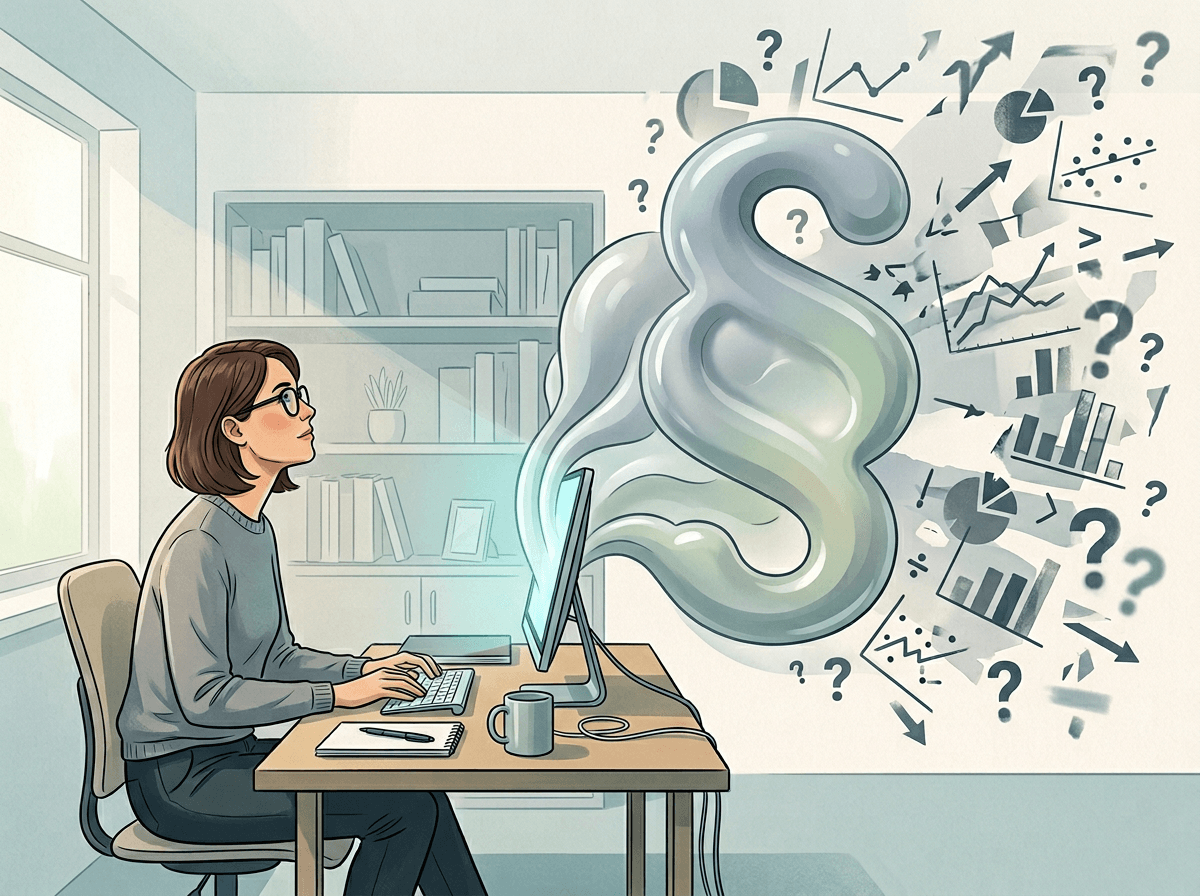
That mismatch shows up fast when you ask a concrete question and get a “best-effort” paragraph instead of a checkable answer. You might ask, “What’s the churn benchmark for B2B SaaS?” and receive a neat range, a quick explanation, and a confident takeaway. It reads like research, but it’s often the model blending patterns from whatever it has seen, not pulling a specific benchmark from a specific source.
If the request is open-ended, the model will usually resolve ambiguity by choosing a typical framing. “Summarize the new FTC rule” can turn into a general overview of privacy enforcement, because “new” and “rule” aren’t pinned to a date, jurisdiction, or document. You won’t see the missing steps—only a smooth answer that feels complete.
The more you rely on that prose, the more cleanup you do later when someone asks, “Based on what?” The next move is to force the answer into facts you can verify.
How missing context quietly changes the answer you get
That “force it into facts” step gets harder when the prompt leaves out the background you carry in your head. In a meeting, “Give me a competitor analysis” automatically includes your market, your price point, and which segment you care about. In a chat box, it doesn’t, so the model picks defaults that sound reasonable and you may not notice the swap.
If you don’t specify geography, it may mix U.S. and EU realities. If you don’t specify time, it may blend pre- and post-change details. If you don’t specify audience, it may give you messaging that fits a buyer when you needed internal guidance. A common example: you ask for “email open rate benchmarks,” but you don’t say industry, list type, or whether you mean newsletters or lifecycle flows—so the range you get is basically an average of “somewhere.”
Adding context takes effort, and you often don’t know which missing detail will matter until it breaks. That’s why the next check is: is this time-sensitive, niche, or regulated?
Is it time-sensitive, niche, or regulated? That’s where errors get expensive

That check matters most when “close enough” stops being harmless. Ask for “today’s” pricing, a “current” headcount, or the “latest” rule, and you’re in a zone where the answer can be stale by months and still sound fresh. If you paste it into a deck, you don’t just risk being wrong—you risk looking careless when someone pulls up a newer number in the room.
Niche topics raise a different problem: thin, uneven coverage. If you ask about an obscure vendor, a specialized workflow, or a regional standard, the model may fill gaps with the closest familiar thing. That can slip into real work fast, like recommending a tool integration that doesn’t exist or describing steps that only apply to a similar product.
Regulated areas make the downside sharper. HR, healthcare, finance, and marketing compliance often depend on exact wording, dates, and jurisdiction. “What can we say in this ad?” isn’t a brainstorm prompt if legal reviews your copy. When the stakes rise, don’t accept a paragraph—pin it to a document, a date, and a place before you act.
What the model can’t show you: sources, confidence, and the ‘illusion of completeness’
That “pin it to a document” step is exactly where most chat answers go fuzzy. In a normal research workflow, you can see the trail: which report a number came from, what year it covers, and what definition it uses. In a chat response, those supports are usually invisible, so a clean paragraph can look “done” even when it’s missing the one link that would let you check it.
Confidence is also hard to read because the tone stays steady whether the model is repeating a widely cited fact or guessing a detail to keep the answer moving. It won’t naturally say, “I’m only 60% sure,” and it can’t show you the alternatives it considered and dropped. So you may get a single crisp recommendation when the real world has two or three reasonable options depending on your constraints.
If you can’t name the source, date, and scope in one sentence, treat the answer as a draft and plan a quick check before you share it.
Prompting choices that shift reliability (without turning you into a prompt engineer)
That “name the source, date, and scope” test is also a prompt you can give the tool. Instead of “What’s the market size for X?”, try “Give me 3 recent estimates with year, geography, definition (revenue vs. spend), and the source link for each. If you can’t, say you can’t.” You’re not asking for more words. You’re asking for a format that makes guessing obvious.
When you need an answer you can defend, force the model to ask you questions before it writes. A simple line works: “Before you answer, list the 5 details you need (timeframe, region, segment, metric definition, audience). Ask me for any that are missing.” This prevents “default” assumptions from sneaking in. It also costs you an extra turn, which can feel slow in a busy day.
One more shift: request alternatives and edge cases. “Give the main answer, then 2 plausible exceptions and what would change the recommendation.” That sets up the quick verification routine you’ll use right before you hit send.
A fast verification routine before you hit send
Right before you hit send, treat the output like a draft you’re responsible for. Pull out the 3–5 “load-bearing” claims (numbers, dates, rules, product capabilities), then ask: “Which of these are assumptions?” If the model can’t name the assumption, you can’t defend it.
Run a two-source check on the highest-risk claim: open the primary document (policy page, report, press release) and confirm the exact year, scope, and definition. If you can’t find a source in five minutes, rewrite the line as a hypothesis (“likely,” “estimate,” “needs confirmation”) or remove it.
Finally, paste your near-final version back in and ask for: “What could be wrong, what’s missing, and what would change this recommendation?” Then ship it.