When the assistant “sounds right” but contradicts itself
You ship a support copilot that gives a clean, confident answer, and a user says, “But you told me the opposite earlier.” It often happens on routine questions: refund rules, password resets, policy edge cases, or “use the last invoice” workflows where one detail changes the result.
The wrong answer can read better than the right one. The model fills gaps, smooths over missing context, and keeps the tone steady even when the logic shifts. If your UI doesn’t surface assumptions, reviewers may miss the break until customers hit it at scale.
Fixing this starts with naming what kind of inconsistency you’re seeing.
Before you fix anything, what kind of inconsistency is it?
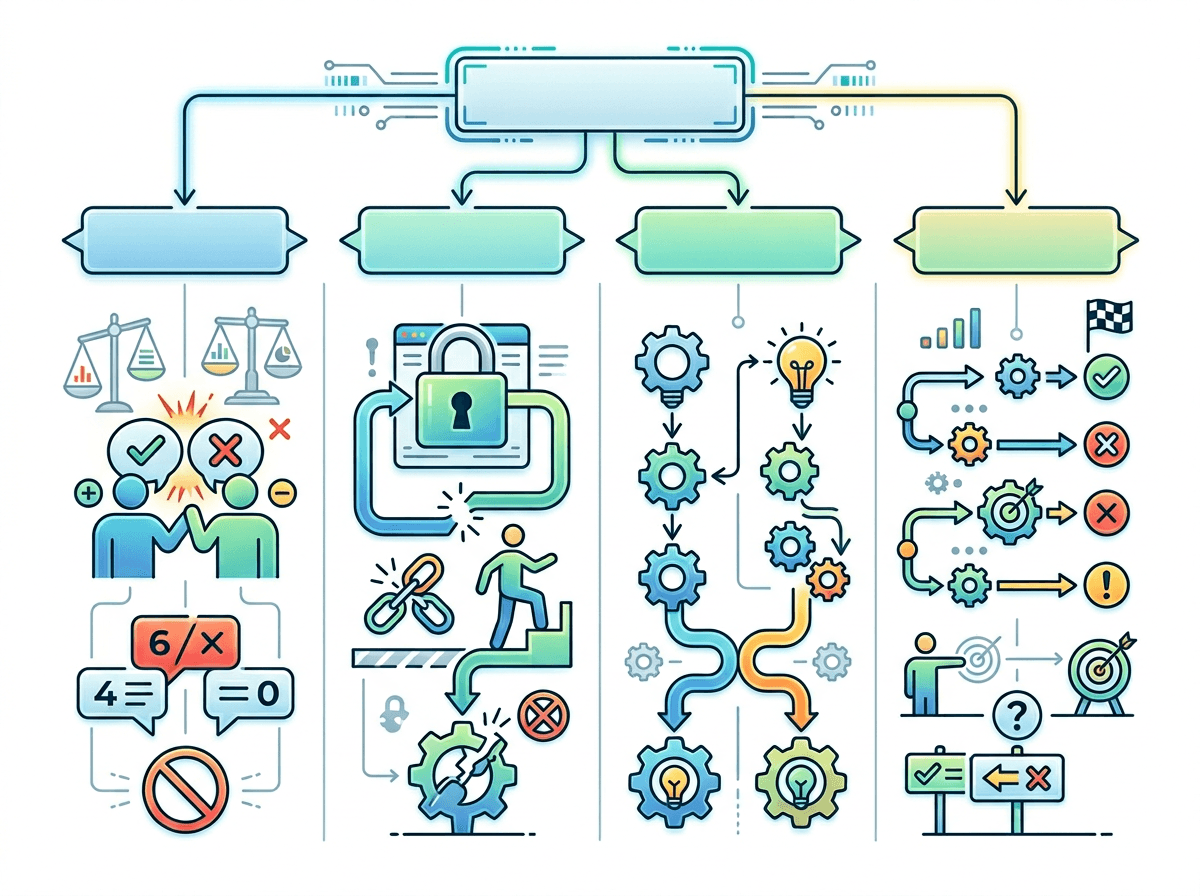
A common failure pattern is a ticket thread where the assistant follows your policy in one turn, then “helpfully” widens the rule in the next. That isn’t one problem. It’s several problems that look the same in a chat transcript.
Start by labeling the inconsistency you’re seeing. Did it contradict a prior answer (A then not-A), or did it ignore a stated constraint (like “EU customers only” or “no refunds after 14 days”)? Did it change the reasoning while keeping the conclusion, or keep the reasoning while changing the conclusion? Each points to a different fix: missing context, unstable prompt framing, or the model guessing when evidence runs out.
Be careful with “it forgot.” Sometimes the assistant didn’t forget; it never had the fact in the window, or it treated a retrieved snippet as optional. Your next step is to reproduce the exact category on demand so you can test changes without chasing noise.
Prompt framing: are you requesting one stable answer or inviting improvisation?
Someone asks, “Can we refund this order?” and your prompt says “be helpful” and “offer options.” The assistant then treats policy like a starting point, not a constraint. If you want one stable answer, frame the request as a decision under fixed rules: “Use the policy below. If you lack a required field, ask a single clarification question. Otherwise, answer with one outcome and cite the rule.” That shuts down the urge to improvise when details are missing.
If, instead, you ask for “possible approaches,” you’re inviting the model to explore branches, and branches can collide across turns. That’s fine for brainstorming, but risky in support flows where the user expects a single source of truth. Tighter framing often increases clarifying questions and reduces “instant” resolutions. Lock the behavior you want, then make improvisation an explicit mode you can turn on, not the default.
The context window problem you can’t debug by rereading the chat
You review the chat transcript, everything looks present, and you still can’t explain why the assistant ignored a key line like “only EU customers” or flipped its answer after a few turns. Often the missing piece isn’t in the transcript you’re staring at. It’s in what the model actually received: the last N tokens, minus earlier turns trimmed for length, plus a system prompt, plus tool outputs that may have pushed older constraints out of view.
This is why “just reread the conversation” fails as a debugging method. If your orchestration re-summarizes history, drops attachments, or swaps in a shorter memory, the assistant can sound consistent while reasoning from a different record. In practice, you need observability: log the exact prompt payload sent to the model (including hidden instructions, retrieved passages, and summaries) and diff it across turns. The catch is privacy and storage cost—full payload logging can be hard to justify—so decide up front what you can safely retain and how you’ll sample it in production.
Once you can see what fell out of the window, you can decide whether to shorten the interaction, pin constraints, or move critical facts into structured fields.
How much randomness can your use case tolerate?
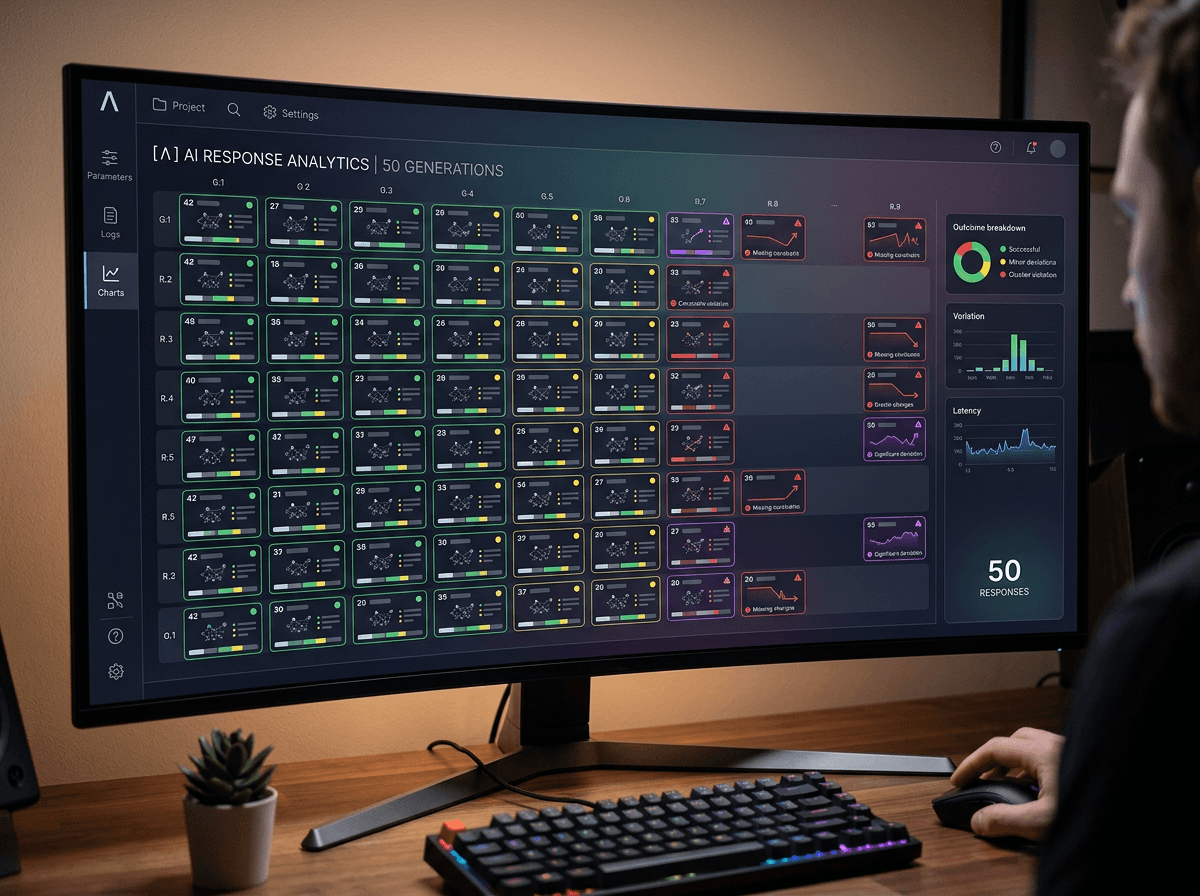
You tune temperature up because the replies feel more natural, then a simple policy question starts coming back with different conclusions on different tries. That’s not mysterious behavior; it’s the expected effect of sampling. If two answers are both plausible in the model’s head, more randomness increases the odds it picks a different path, especially when the prompt leaves room for interpretation.
Support and workflow copilots usually need low variance: the same inputs should yield the same outcome, even if the wording changes. That points to lower temperature, tighter decoding, and fewer “offer alternatives” instructions. But don’t treat “set it to zero” as free. At very low randomness, the assistant can get stuck in a bad default, repeat a brittle template, or refuse to recover when the user’s phrasing is odd.
Make it a product decision, not a vibe setting. Run a replay set where you execute each case 20–50 times, then measure answer spread: outcome changes, missing constraints, and citation drift. Once you’ve chosen an acceptable spread, you can decide where to spend your complexity budget: more constraints in the prompt, or a little randomness paired with stricter checking.
When retrieval and tools disagree, the model can’t stay consistent
A user asks, “What’s our refund window?” and your assistant pulls a policy snippet that says 14 days—then calls an order API that returns a “returnable_until” date 30 days out. If you don’t tell the model which source wins, it may merge them, pick one now and the other later, or explain both as if they’re equally true. The chat reads confident, but the logic won’t hold across turns.
This shows up whenever retrieval is stale, chunked oddly, or missing exceptions, while tools return fresh but narrower facts. It also happens when tools fail silently: a timeout can look like “no record,” and the model fills the gap. You can reduce drift by assigning precedence (“tool beats docs for order-specific dates”), requiring citations per claim, and forcing a refusal when sources conflict.
More checks mean more “I need one detail” questions, and more tool calls mean more latency and failure modes—so you’ll want clear escalation rules before you tune prompts again.
Is it a model capability limit—or an orchestration problem?
You run the same test case through staging and production and get different failures. In one environment the assistant follows policy but can’t handle the edge case; in the other it “handles” it by inventing a rule. That split often tells you where to look: capability limits show up as consistent mistakes even when the inputs are clean, while orchestration problems show up as the model reacting to messy or shifting inputs.
To isolate it, freeze everything you control. Pin the prompt template, the retrieved passages, the tool responses (record-and-replay), and the decoding settings, then rerun the case. If contradictions persist with identical inputs, you may be at a model ceiling: it can’t reliably apply the policy, keep track of conditions, or avoid overconfident guessing. If the contradiction disappears, your pipeline is the culprit—summaries that drop constraints, retrieval that returns different chunks, tool errors that look like empty facts.
Either way, the cost is real. Better orchestration means more logging, more replay infrastructure, and more time spent curating test fixtures—and that work is what lets you add guardrails without breaking them again.
Catching contradictions before users do (and keeping fixes from regressing)
You add a guardrail for refunds, ship it, and a week later a different flow starts contradicting the same policy. The only way to stay ahead is to treat contradictions like testable bugs, not “weird model behavior.” Build a small replay suite of real transcripts that previously flipped outcomes, then run them on every prompt, retrieval, and tool change. Track pass/fail on concrete checks: final decision, stated constraints, and citations matching the winning source.
Pair that with a lightweight “consistency checker” pass in staging: a second call that compares the draft answer against pinned facts (policy window, customer region, tool fields) and flags conflicts or missing constraints. It costs money and adds latency, so use it on high-risk intents and sample in production. When it catches something, store the exact prompt payload and tool outputs so the fix doesn’t disappear the next time your pipeline shifts.